Learn
Working with files, terminal and AI on a Mac.

Free alternatives to ForkLift worth trying
A practical look at every free ForkLift alternative on the Mac, what each one drops, and how to decide whether the paid license is the cheaper answer after all.

Open source file managers on a Mac
A practical look at the file manager mac open source options: which projects are maintained, what macOS permissions cost you, and how to test one in an afternoon.

Path Finder as a Finder replacement
What Path Finder, the veteran Mac file manager, actually replaces in Finder, what the yearly license costs now, and how to test the switch in one week.

Path Finder reviewed for everyday Mac work
A Path Finder Mac review focused on the working day: what the modules and Drop Stack actually change, what the paid upgrade policy costs, and who should skip it.

Search on a Mac, and where Spotlight stops
A practical guide to file search mac os: what Spotlight indexes, why Finder search returns something different, and which command line tool to reach for.
Managing files on a Mac without fighting Finder
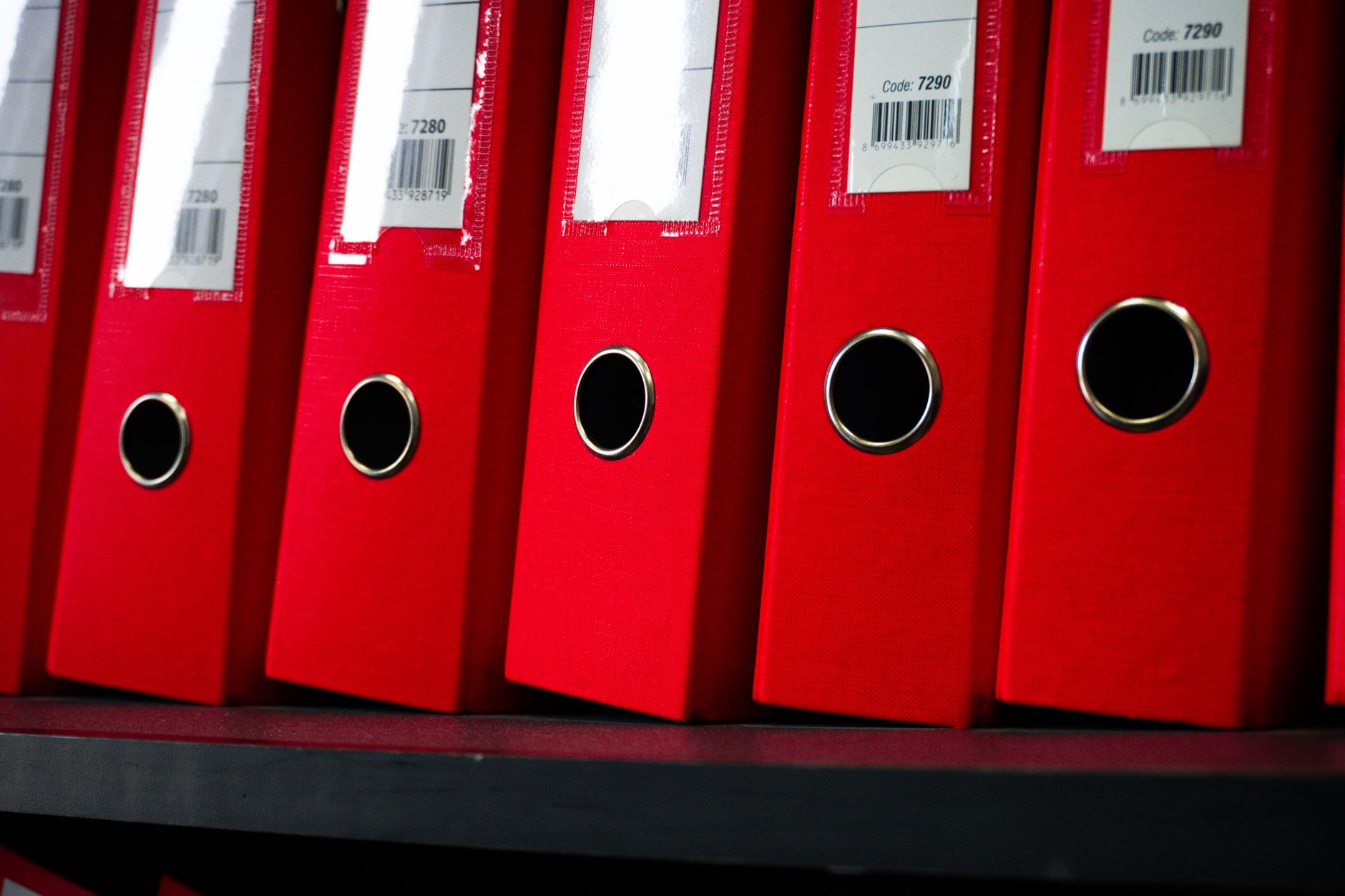
How to manage files on mac without fighting Finder: what it handles well, the exact point it stops, and which of the four underlying jobs to fix first.

Copying a path to the clipboard in one move
How to mac finder copy path to clipboard without breaking on spaces: the built-in shortcut, what it does not escape, and the routes that skip copying.
Sorting files by size to clear space
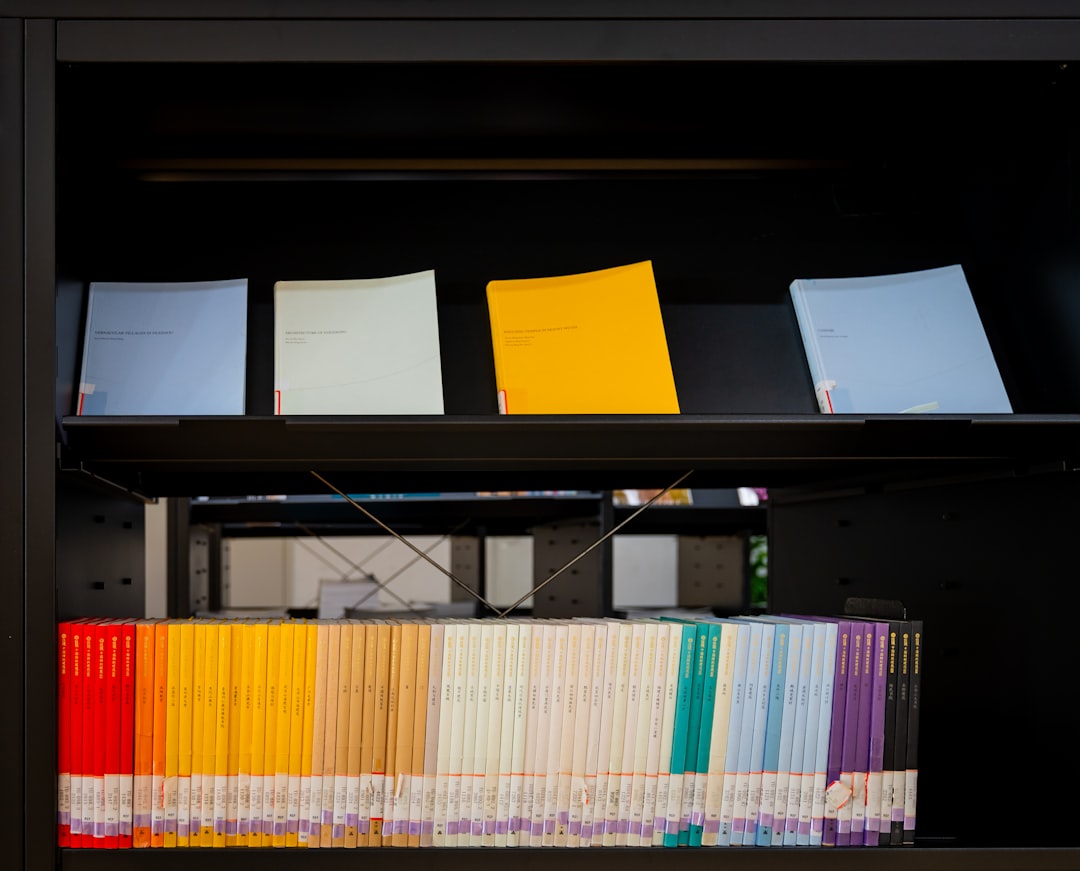
How to sort Mac files by size and actually recover space: what Finder hides in list view, the search and shell commands that find the heavy folders, and why two tools disagree.