Learn
Working with files, terminal and AI on a Mac.
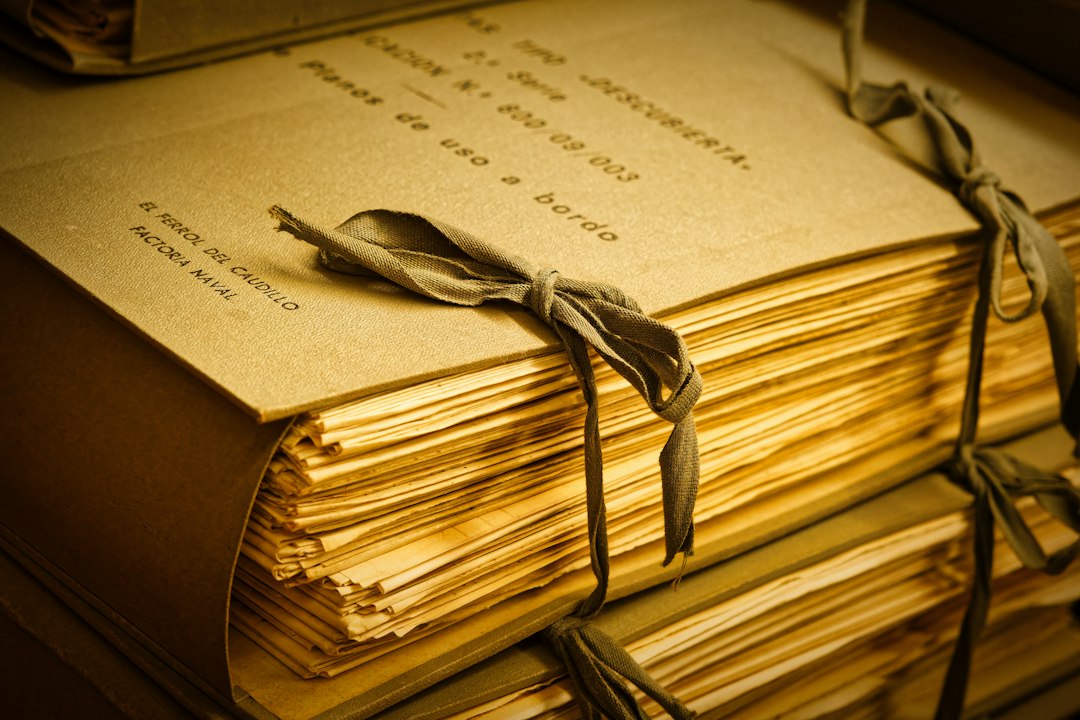
Git clone: decide where the folder lands before you run it
Git clone on a Mac: where the folder lands by default, which parent folders cause trouble, the flags for cloning less, and how to move a clone afterwards.
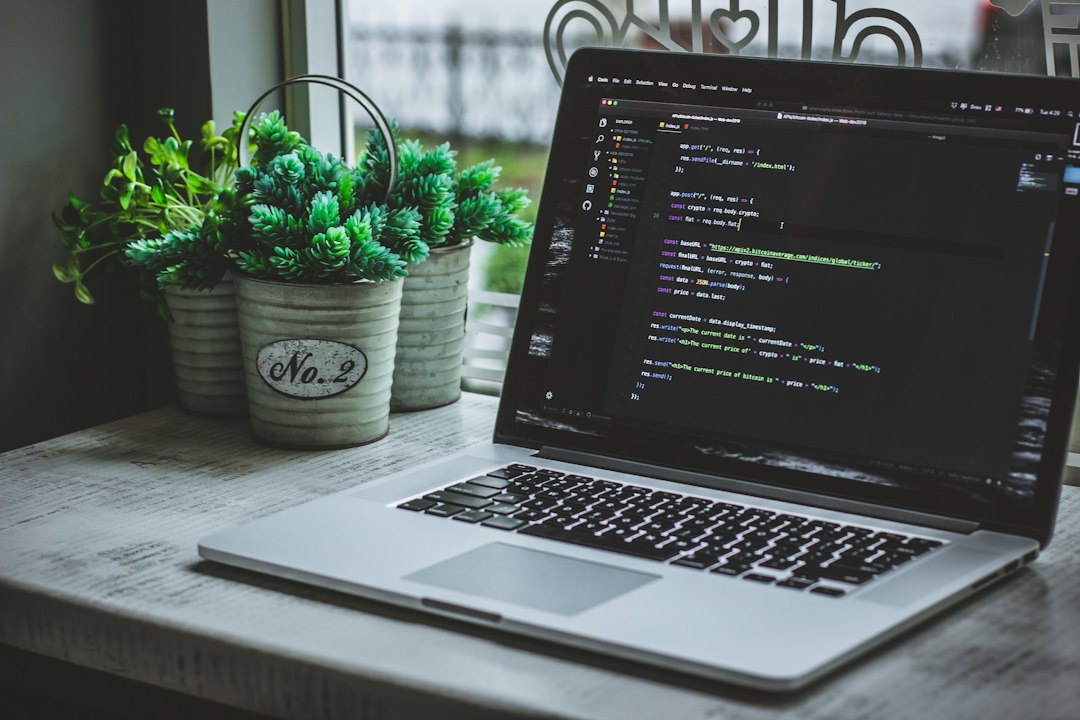
Git commands you actually use in a day of Mac work
The git commands that carry a working day on a Mac: the core loop, reading history, undoing ranked by risk, safe remote updates, and macOS settings to check.
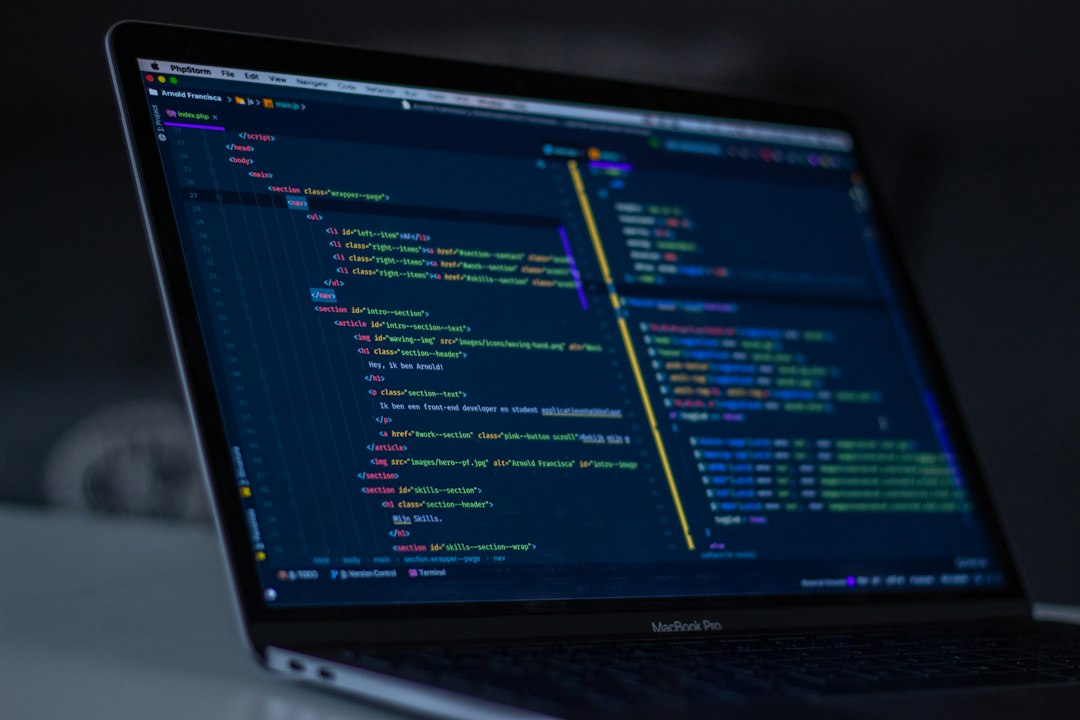
Git config: the few settings worth setting on a new Mac
A short git config list for a new Mac: which scope wins, the Mac-only settings, the ones that end recurring arguments, and how to read back what is set.
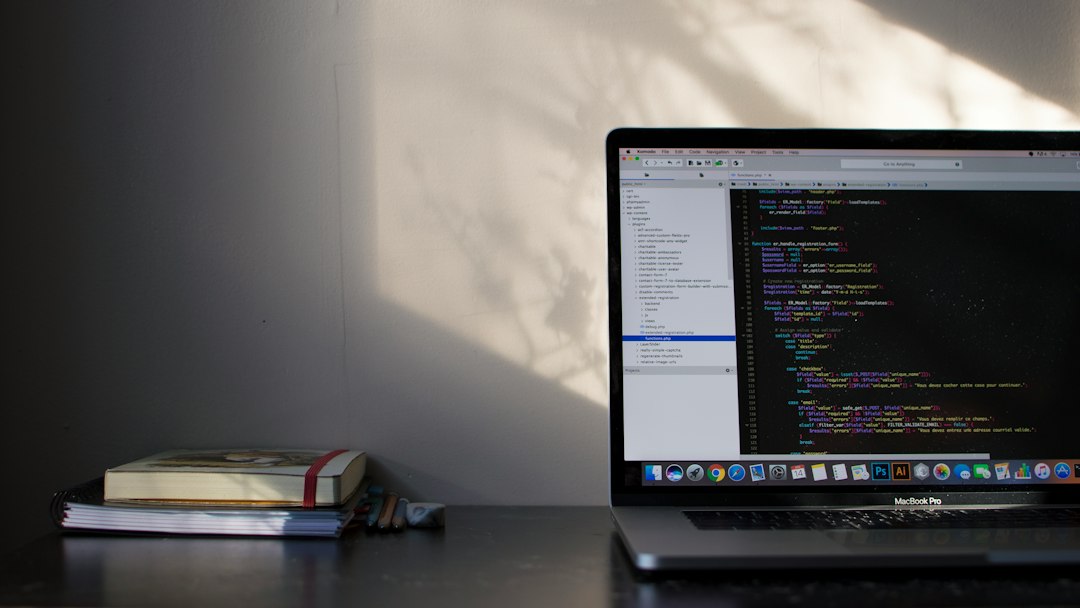
Git diff: check what changed before you commit it
A practical git diff guide: which of the three comparisons each form makes, how to read a hunk header, and how to shrink a diff until review is possible.

Git flow for a team of one, without the ceremony
What git flow actually specifies, why its author now points elsewhere, where the tooling went, and which parts a one or two person team should keep.
Replacing Finder, or adding to it: how to decide
Replacing Finder, or adding to it, is the question that comes before any comparison table. Four different product categories answer it, and what each one costs today is set out here.
Finder not responding on a Mac: read the symptom before restarting
Finder not responding on a Mac is three different symptoms under one name. Read the symptom first, then relaunch, check unreachable locations, and escalate in order.
Find large files in a Mac: where the space went
To find large files in mac storage, start with folders rather than files. Why the free space number disagrees with itself, how to walk down with du, and which large items must not be deleted.